 vercat
 PokerGod
 Token Reset
 3 Things Today
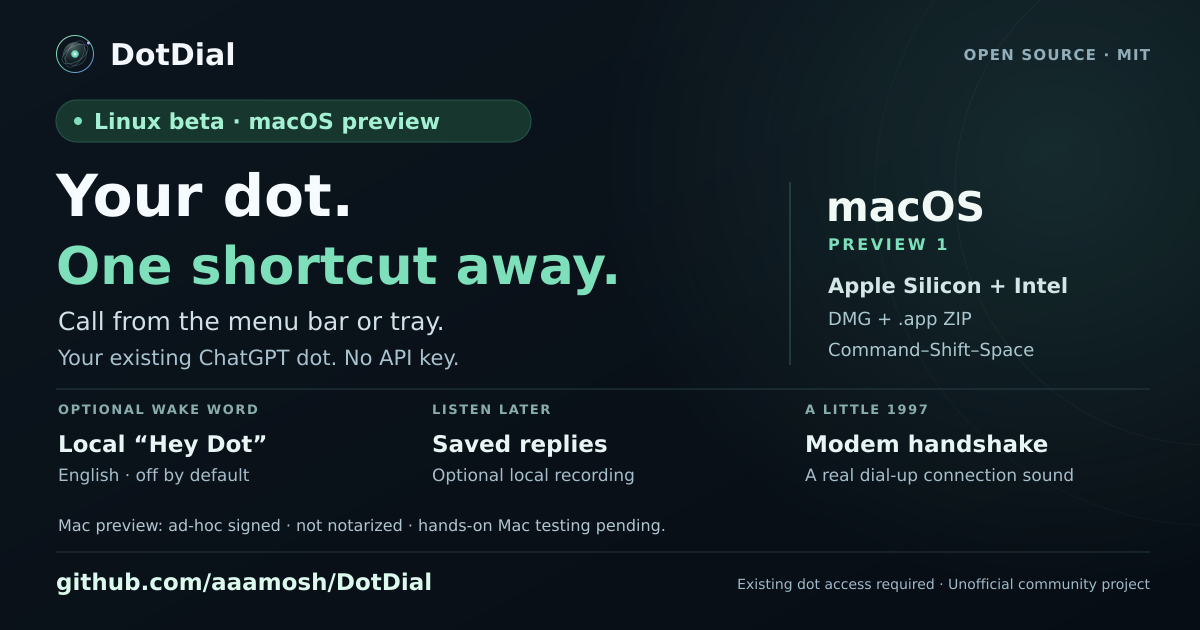 DotDial
Guide / Sources reviewed October 6, 2026
Best Codex skills: choose by task
The useful choice depends on the job in front of you. Here are five focused starting points, what to check, and a small task to try.
How we chose these examples
We selected publicly documented workflows with a clear purpose, an identifiable creator, and a source you can inspect. These are editorial starting points based on their published instructions, not a performance benchmark or an install-count ranking. Choose the example that matches your task and verify it in your own environment.
Look up a library API: Context7 CLI
A documentation lookup workflow for library versions and API examples. The project supports a CLI with skills as well as an MCP connection.
Before you choose: Confirm the library and version match your project. Check the setup and account requirements in the current source.
First task: Find the documentation for one API used in your project, then compare the answer with the linked upstream page.
Inspect issues and pull requests: GitHub
A workflow around the gh CLI for issues, pull requests, and CI. Useful when the work you need to inspect already lives in GitHub.
Before you choose: The CLI and access to the repository must be available. Ask for a read-only investigation first if you are choosing the workflow.
First task: Summarize one pull request and its failing checks, with links back to the relevant evidence.
Build a SwiftUI screen: SwiftUI UI Patterns
Guidance for SwiftUI screens and components, including navigation, sheets, and reusable patterns.
Before you choose: Choose it for a SwiftUI project. A framework-specific skill is a poor starting point for an unrelated web or React Native screen.
First task: Work on one screen, then build it and inspect the actual interface at the sizes your app supports.
Check a browser flow: Playwright
A CLI-oriented skill for interacting with a real browser and inspecting page states and screenshots.
Before you choose: Read its Node.js and CLI prerequisites. Check which browser tooling is available in your Codex environment.
First task: Open a local app, complete one ordinary user flow, and capture evidence of the final state.
Review a document layout: PDF
A workflow for reading, creating, and reviewing PDFs, with visual checks of rendered pages.
Before you choose: Its rendering and Python tools need to be available. Text extraction alone will not show whether a chart label is clipped.
First task: Review one page with a table or chart and compare the rendered artifact with the intended content.
Compare skills using the same task
When two skills appear to solve the same problem, give each the same small input. Compare the accuracy of the result, evidence provided, setup requirements, and the amount of correction you need. Keep the one that helps you finish the job reliably; a longer answer is not automatically a better one.
Repository stars describe interest in a repository, which may contain many skills. Votes in the directory are a separate community signal. Neither tells you whether a particular skill works with your tools or is available to your dot.
Explore more options in the Codex skills directory. For setup, follow our installation and first-run guide. If you need a packaged collection with connections, compare plugins too.