 vercat
 PokerGod
 Token Reset
 3 Things Today
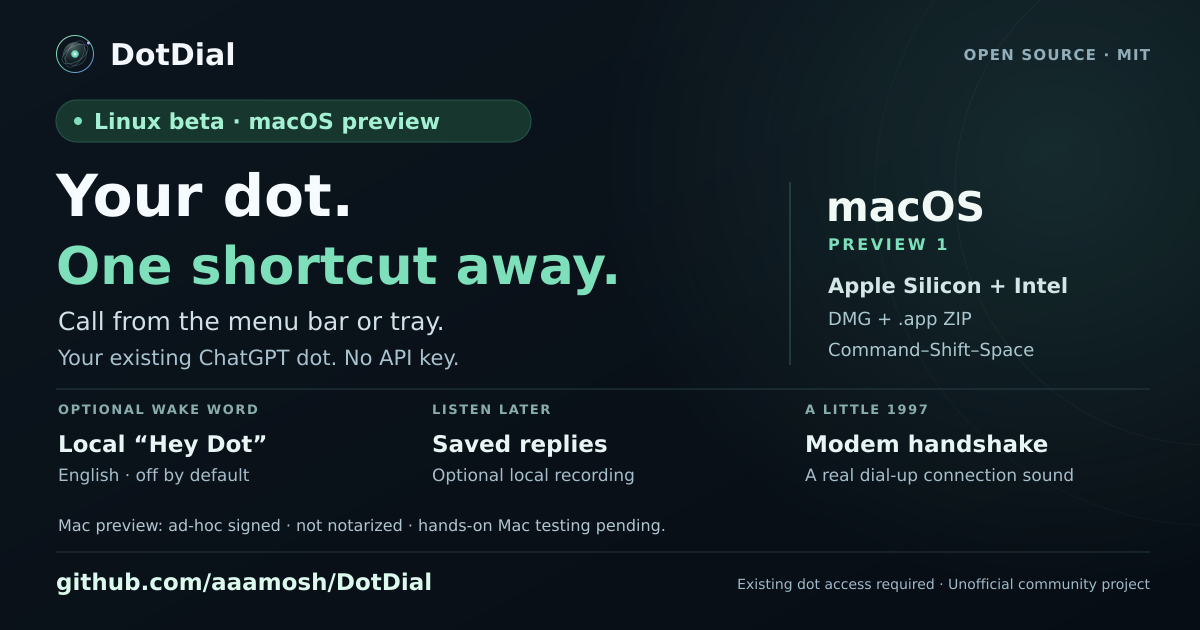 DotDial
Dot built a 3D model of my dog, started an Xcode project, and finished a Snake game
added
I called my AI assistant and gave it a Blender task. That was one of my first tests with ChatGPT dots, an assistant with its own cloud computer. You can call it, connect your apps, and choose to give it access to your own computer too. In this clip, I'm checking on a 3D model of my dog, watching it start an Xcode project, and looking at a finished Snake game. The part that stood out to me was being able to keep talking while it worked in the background. I could check what it was doing and give it the next task in the same conversation. These are a few quick highlights. In the full video, I go through the setup and spend more time with the actual tasks so you can see the process behind the results. Watch the full ChatGPT dots crash course on YouTube: Code with Beto (@codewithbeto). #ChatGPTDots #AIAgents #OpenAI
Code with Beto (@codewithbeto on TikTok) called his ChatGPT Dot as a voice assistant and set it three real jobs in parallel: a Blender 3D model of his dog, a new Xcode project, and a finished Snake game — checking progress and queuing the next task in the same conversation while the Dot worked in the background. First-hand test; full crash-course lives on his YouTube.