 vercat
 PokerGod
 Token Reset
 3 Things Today
 DotDial

Dot runs a daily morning briefing on its own
added
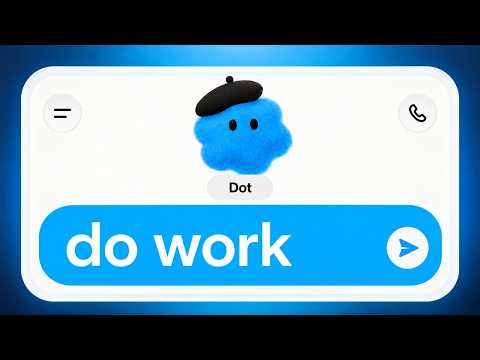
Hands-on walkthrough of OpenAI Dots: the creator (proflead) sets up a first Dot from the ChatGPT desktop app (naming, appearance, plugins, connecting the creator's own computer), then demonstrates a real-world use case end-to-end — an automated daily morning briefing pulling calendar, email, and news — showing Dots' calendar/email checks, scheduled tasks, browser use and cloud computer in action.
First-hand hands-on demo by YouTube creator proflead (channel proflead). After a full setup walkthrough (naming, character, plugins, connecting his own computer), he demonstrates a concrete ongoing result: a Dot running an automated daily morning briefing for calendar, email, and news — persistent agent work continuing after the chat ends. Media: video (poster thumbnail).