 vercat
 PokerGod
 Token Reset
 3 Things Today
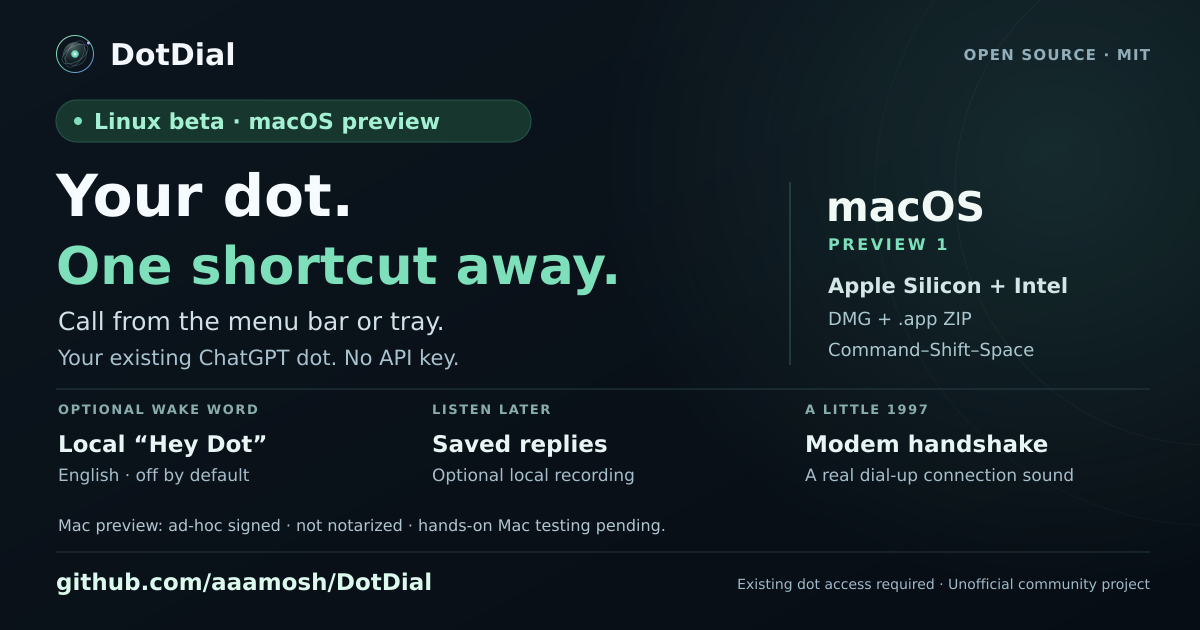 DotDial

chatGPT dots(닷츠) 200% 활용법ㅣ메일·슬랙·캘린더 연동부터 세컨 브레인까지
added
챗GPT AI 비서 dots(닷츠), 시키지도 않았는데 메일과 캘린더의 미팅 시간이 다르다고 먼저 알려주네요?? 이번 영상에서는 ChatGPT가 새로 내놓은 AI 비서 dots(닷츠)를 3일 동안 실제 업무에 붙여 본 후기를 담았습니다. Gmail·구글 캘린더·드라이브·슬랙만 연동했는데도, 아침마다 고객사 제안의 쟁점, 일정 충돌, 메일 누락을 정리해 줍니다. 화상 미팅 전에는 참석자와 나눈 슬랙 히스토리까지 맥락으로 붙여 브리핑합니다. 실전 활용: 해외 휴가 중 다음 날 미팅 참석이 어려워지자, 맥락 파악 후 팀원에게 필요한 내용을 전달하라고만 요청 — dots는 슬랙 스레드를 직접 만들어 팀원들에게 요청하고, 미팅 일정과 의사 결정 결과까지 확인해 보고한 뒤 메모리에 남겼습니다. 음성 AI 서비스 'VOX'를 CLI로 연결해 AI 비서가 직접 전화를 걸어 내용을 확인하는 실험도 했습니다.
Channel: AI 서대표 (YouTube @AISeoceo, Korean AI channel). First-hand 3-day review of OpenAI Dots in real work: with only Gmail, Google Calendar, Drive and Slack connected, his Dot delivered morning briefings (customer-proposal issues, schedule conflicts, missed emails), attached Slack history as context before video meetings, and proactively flagged a calendar/email meeting-time mismatch UNPROMPTED. Concrete result: while he was on vacation abroad, he asked the Dot to handle a next-day meeting; the Dot created a Slack thread with teammates itself, confirmed the meeting schedule and decision outcomes, reported back, and saved it to memory. Also ran an experiment connecting the VOX voice-AI service via CLI so the Dot could place phone calls to verify information. Honest review including setup cost notes (cheapest personal plan ~150,000 KRW/mo).